
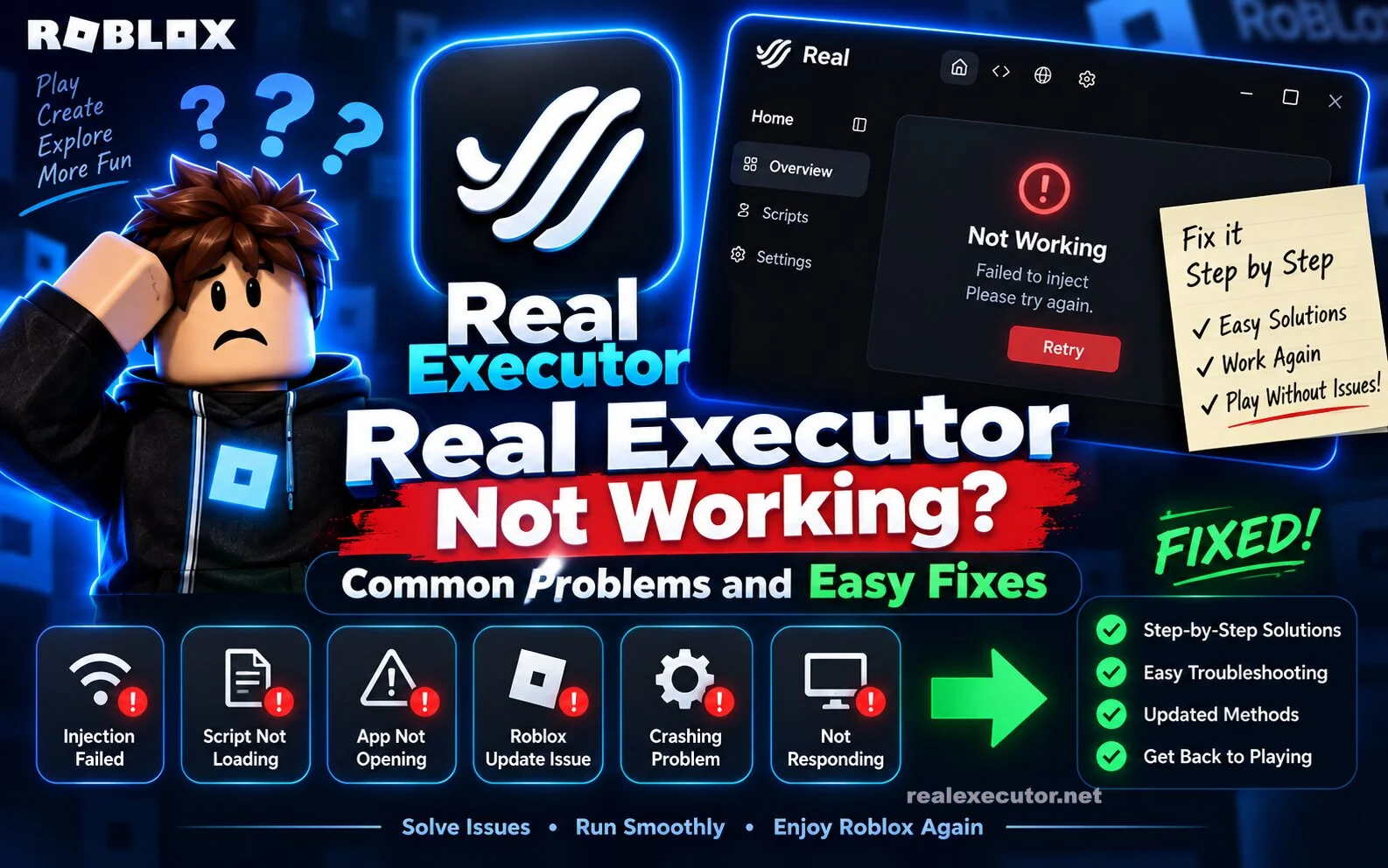
Real Executor may sometimes stop working properly because of Roblox updates, outdated files, compatibility issues, or problems with the device. If Real Executor is not opening, not injecting, crashing, or failing to execute a script, there are several basic things you can check.
This guide explains the most common Real Executor problems and some simple ways to troubleshoot them.
Why Is Real Executor Not Working?
There is no single reason why an executor may stop working. Roblox receives regular updates, and changes to the game can affect third-party tools.
Common causes include:
- An outdated version of Real Executor
- A recent Roblox update
- Compatibility problems
- Damaged or incomplete installation files
- Internet connection issues
- Antivirus or security software blocking the application
- An incompatible script
- Too many applications running in the background
Identifying the actual cause can make troubleshooting much easier.
Real Executor Is Not Opening
If Real Executor does not open after you click it, first restart your device and try again.
You can also check whether the download completed correctly. A damaged or incomplete file may prevent the application from starting.
If you downloaded an older version, check whether a newer release is available from the source you normally use.
Real Executor Is Not Injecting
Injection problems can happen when the executor and Roblox are not compatible.
Try these basic steps:
- Close Roblox completely.
- Close Real Executor.
- Restart your computer.
- Open Roblox again.
- Start Real Executor and try again.
- Check whether a newer compatible version is available.
If the problem started immediately after a Roblox update, compatibility is one possible reason.
Real Executor Crashes
Unexpected crashes can be caused by outdated software, incompatible scripts, or limited system resources.
Close unnecessary applications before running Roblox. This can free up memory and reduce the workload on your computer.
You should also avoid using old or poorly tested scripts, as they may cause instability.
Real Executor Says It Is Outdated
An outdated executor may stop functioning after Roblox changes its software.
If you see an update or version-related message, check the official source for the latest available release. Avoid downloading random replacement files from unknown websites.
Always verify the version before installing anything.
Scripts Are Not Executing
Sometimes the executor itself is working, but a particular script is outdated or incompatible.
Try another known-compatible script to determine whether the problem is with the executor or the script.
If one script fails while another works, the script is more likely to be the problem.
Antivirus Is Blocking Real Executor
Security software may sometimes block third-party executors or flag their files.
Do not automatically disable your antivirus just to make an unknown file run. First, make sure you understand what you downloaded and where it came from.
If the file is unexpected, modified, or downloaded from an untrusted website, it is safer not to run it.
Internet Connection Problems
Some applications may require an internet connection for updates or other functions.
If Real Executor cannot connect properly, check your internet connection and restart your router if necessary.
You can also try again later if the service you are connecting to is temporarily unavailable.
Real Executor Freezes
If the application freezes, close Roblox and Real Executor completely and restart them.
Also close unnecessary browser tabs and background applications. If your device has limited RAM, reducing the number of running programs can help.
Roblox Updated Recently
A Roblox update can sometimes cause compatibility problems with third-party tools.
If Real Executor worked previously but suddenly stopped after Roblox updated, wait for a compatible update rather than repeatedly reinstalling the same old version.
This is often a temporary compatibility issue.
Simple Fixes to Try First
Before trying complicated troubleshooting, go through these basic steps:
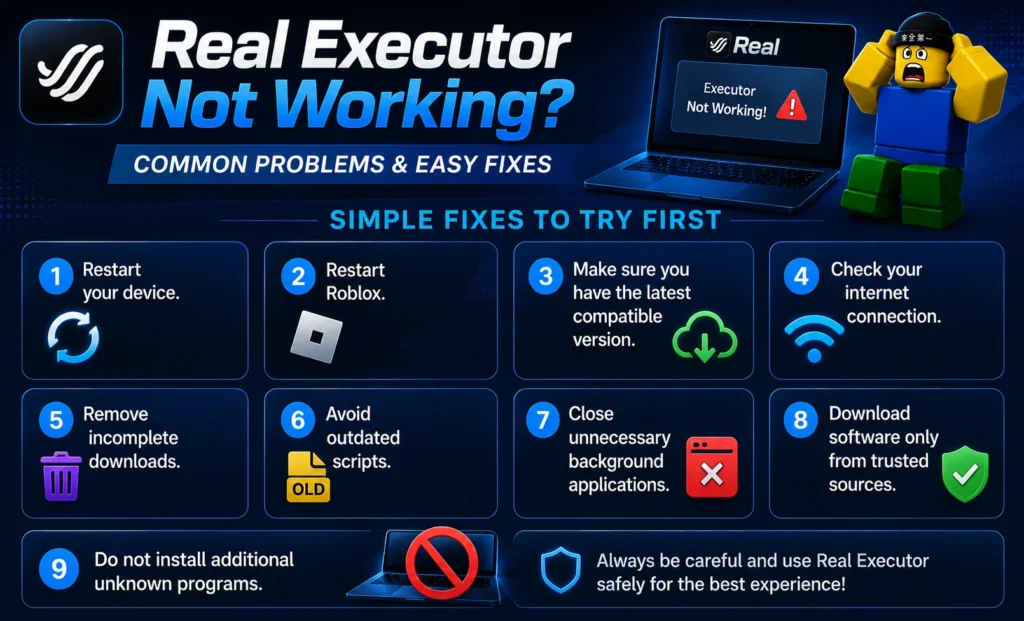
- Restart your device.
- Restart Roblox.
- Make sure you have the latest compatible version.
- Check your internet connection.
- Remove incomplete downloads.
- Avoid outdated scripts.
- Close unnecessary background applications.
- Download software only from trusted sources.
- Do not install additional unknown programs.
When You Should Stop Troubleshooting
If an installer asks you to disable important security protections, install unrelated programs, or provide sensitive information, be careful.
A working executor is not worth putting your computer or personal accounts at unnecessary risk.
If you cannot verify the file’s source, it is better not to install it.
FAQs
Why is Real Executor not working?
It may be outdated, incompatible with a recent Roblox update, incorrectly installed, or affected by an incompatible script.
Why is Real Executor not opening?
Restart your device and check whether the downloaded file is complete and compatible with your system.
Why is Real Executor not injecting?
The current version may not be compatible with the current Roblox version. Check for a compatible update.
Why do Real Executor scripts not work?
The script may be outdated or incompatible. Try a different compatible script to identify the problem.
Can a Roblox update break Real Executor?
Yes. Changes to Roblox can affect compatibility with third-party software.
Should I disable my antivirus?
You should not disable security software simply to run an unknown file. First verify the source and safety of the software.
Conclusion
Real Executor may stop working for several reasons, including Roblox updates, outdated versions, incompatible scripts, installation problems, and security software.
The best approach is to start with simple fixes such as restarting Roblox, checking for updates, and testing whether the problem affects one script or the entire application.
Always download software from a source you trust and avoid suspicious files or installers.
3 thoughts on “Real Executor Not Working? Common Problems and Easy Fixes”